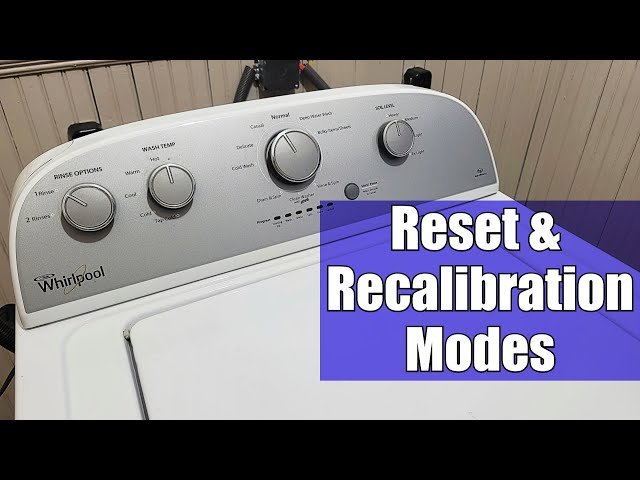
Understanding Washer Restart
Restarting your washing machine is a common way to fix small issues. It refreshes the control board and resets the washer timer. This process helps clear error codes and resets sensors. Many washer problems, like the washer not starting, can be solved this way.
Industry consensus indicates that a proper washing machine reset process includes unplugging the machine and using the reset button. If your washer has an electronic control panel, a software reset may also be needed. For a deeper understanding of this mechanic, analyzing resources on how to reset washer machine provides excellent foundational context.
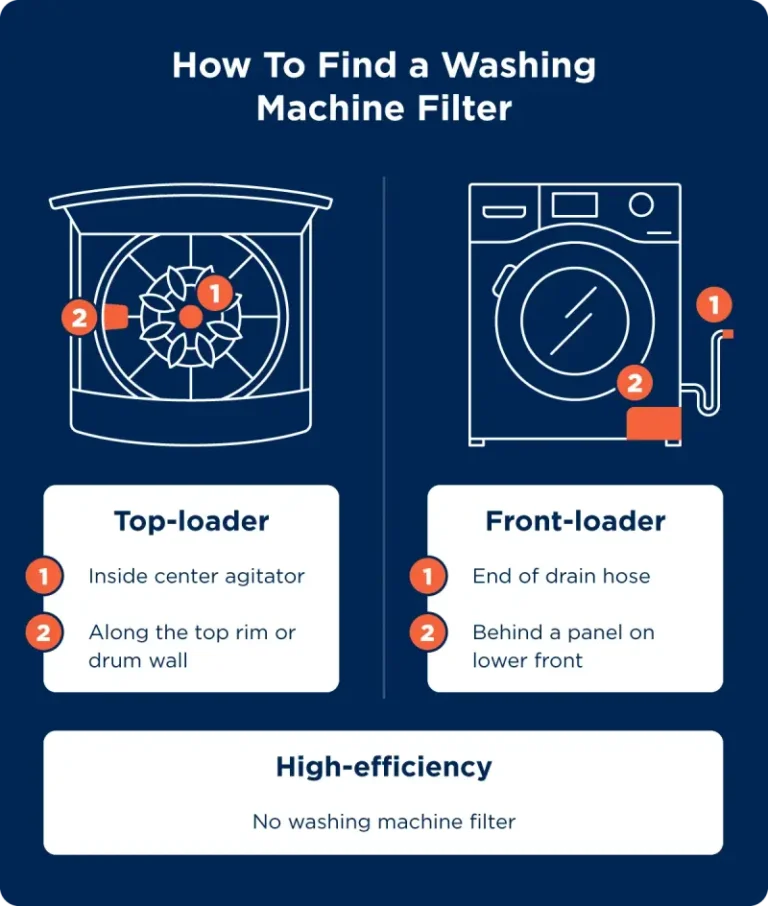
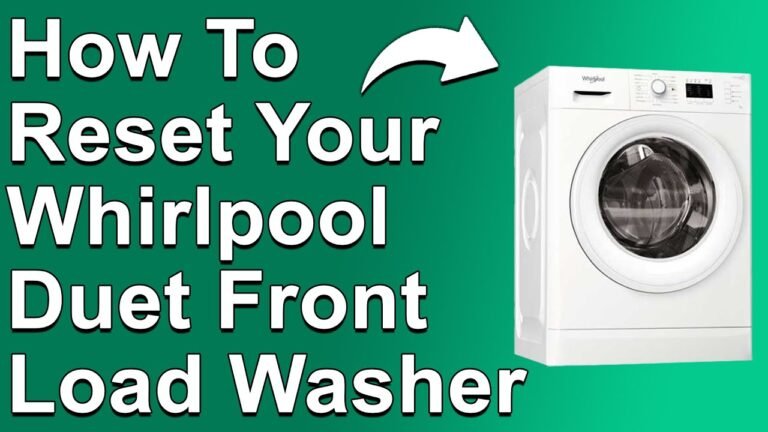
Restarting your front load washer or top load washer follows similar steps. But always check your user manual for model specifics.
📌 Step-by-Step Washing Machine Reset Guide
Restarting a washer is straightforward but essential to follow carefully. Here are the key steps:
- Turn off the washing machine using the power button.
- Unplug the power cord from the outlet.
- Wait for 5 minutes to allow the electronics to reset.
- Plug the power cord back in.
- Press the washing machine restart button if your model has one.
- Select the desired washing cycle and start the machine.
This process also acts as a washer power cycle. This clears temporary glitches. If the washing machine still shows error codes, refer to the washer troubleshooting guide.
Restarting your washer after a power outage is especially important. It helps prevent damage to the washer motor and control board by resetting the electronics.
Fixing Common Washer Machine Errors
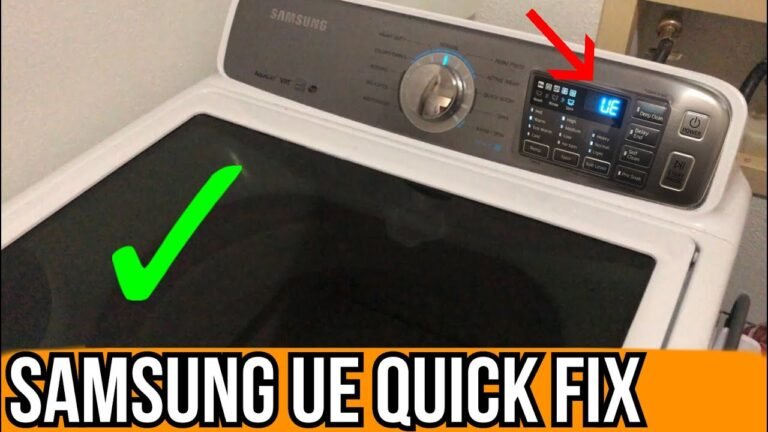
Washing machines often show error codes that point to specific problems. Common errors include door errors, water inlet valve faults. And drain pump issues. Resetting washer electronics can clear some of these errors.
For instance, a door error often means the door lock mechanism is not engaged properly. Resetting the washer after a door error involves the restart process and sometimes checking the door latch. If the error persists, professional technical support may be needed.
Other errors, like water not filling or draining, may require checking the valves and pump. Restarting the washer can sometimes fix these errors if they are caused by software faults.
🚀 Beginner Tip: Washer Reset Techniques
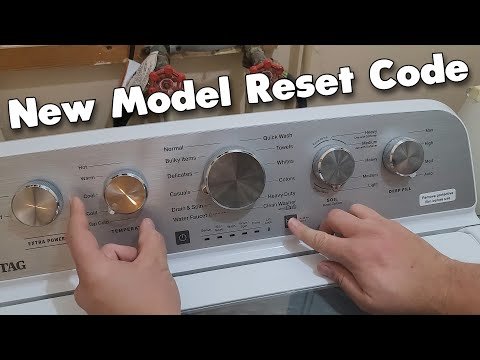
Many washers have a reset button on the control panel. Pressing this button after unplugging the machine is often enough to restart the cycle timer and clear errors. Some models use a combination of buttons to reset the washer timer.
Remember, restarting your washer machine is a simple first step before calling technical support. It saves time and often fixes minor faults.
For those wanting to learn about cleaning and caring for their washer, exploring tips on how to clean my LG washing machine can help maintain your washer’s health and prevent errors.
🔢 Numbered List: Washer Restart Steps Summary
- Power off the washer.
- Unplug from power source.
- Wait 5 minutes.
- Plug back in.
- Press reset or restart button.
- Choose cycle and start.
Following these steps correctly ensures a proper wash cycle restart and helps avoid recurring issues.
Restarting front load washers and top load washers may differ slightly. So always consult your user manual.
Restarting Washer After Power Outage
A power outage can disrupt washer operation. Electronic control panels might freeze or show error codes. A full washer restart is necessary to reboot the system.
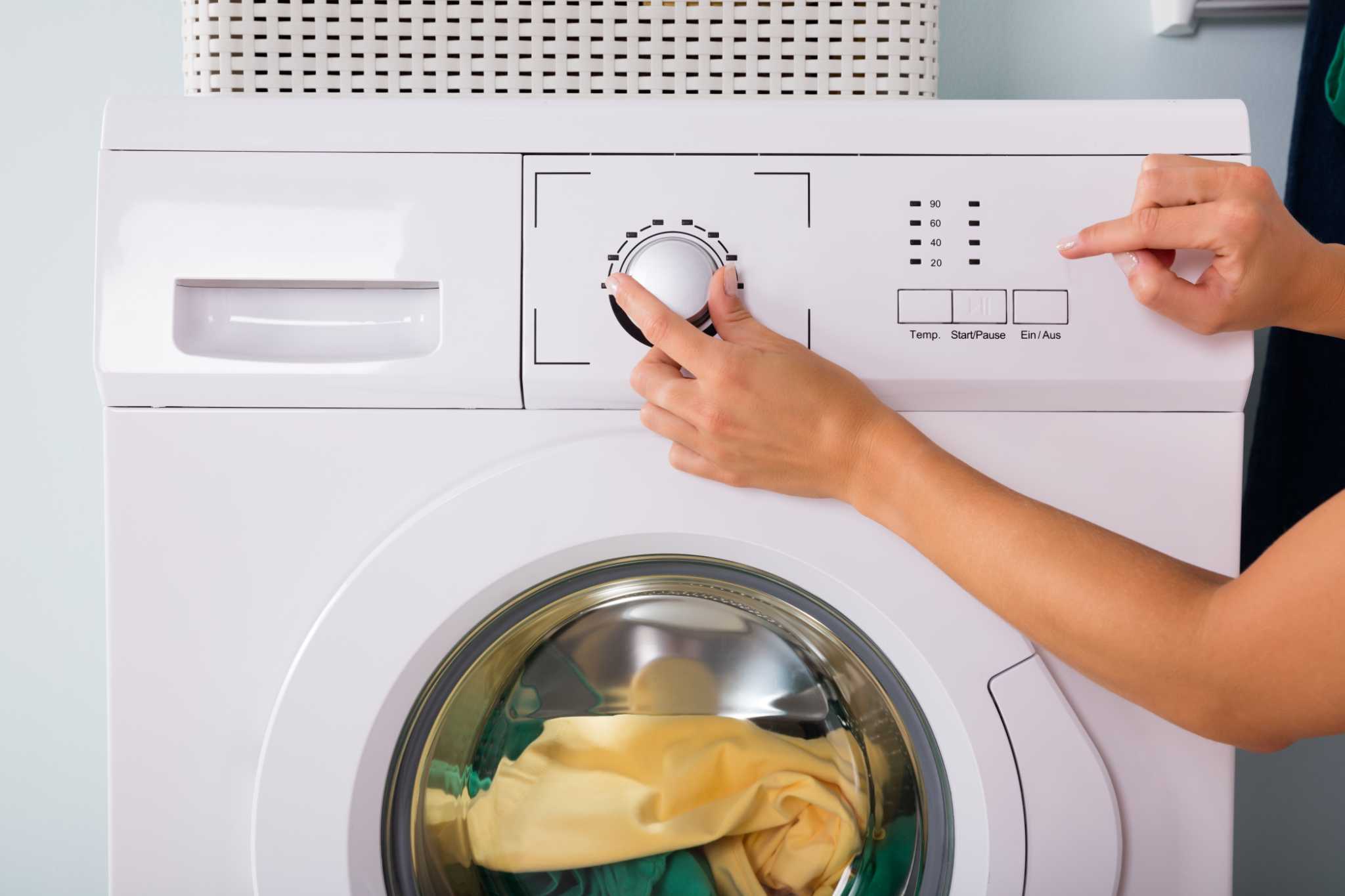
Unplugging and plugging back in is the best way to reboot washing machine electronics after a power outage. It protects the washer motor and control board from damage due to sudden power loss.
In some cases, resetting the washer timer after power outages is needed to resume the washing cycle correctly.
Washer Troubleshooting Guide
If restarting your washer does not fix the problem, deeper troubleshooting is needed. Check common issues such as:
- ✅ Is the power cord intact and plugged properly?
- ✅ Is the door lock mechanism working?
- ✅ Are water inlet valves and drain pumps clear?
- ✅ Are there any visible error codes on the control panel?
Following washer troubleshooting steps systematically can pinpoint the issue. Consult your washing machine manual restart section for model-specific advice.
When in doubt, contacting professional technical support is wise to avoid further damage.
⭐ Expert Insight: Washer Reset Methods Comparison
| Reset Method | Use Case | Effectiveness |
|---|---|---|
| Unplug & Plug Back In | All washers, general reset | High |
| Reset Button on Control Panel | Models with reset button | Moderate to High |
| Software Reset Sequence | Advanced models with electronic controls | High |
| Manual Timer Reset | Older washers with mechanical timers | Moderate |
This table shows the most common ways to reset washers. Unplugging is universal and effective. For model-specific reset instructions, always check your user manual.
Integrating these methods ensures you can fix most common errors safely.
Dryer and Washer Restart Tips
If you have a stacked washer and dryer, restarting both machines is helpful after a power outage. Start by unplugging both units, waiting a few minutes. And plugging them back in.
This process clears error codes in both machines and resets the control boards. It avoids conflicts in communication between washer and dryer electronics, ensuring smooth operation.
Remember, always restart the washer first before the dryer to prevent power surges.
🔢 Table: Common Washer Machine Error Codes and Meaning
| Error Code | Meaning | Common Fix |
|---|---|---|
| DE | Door Error | Check door lock and restart washer |
| LE | Motor Lock | Restart machine, check motor |
| OE | Drain Error | Clear drain pump, restart |
| IE | Water Inlet Error | Check inlet valve, reset |
Knowing these error codes helps you understand what needs fixing. Restarting often clears these errors if caused by electronic glitches.
✅ Checklist: Washer Restart Safety Tips
- Always unplug the machine before resetting.
- Wait at least 5 minutes for a full power cycle.
- Check the door is fully closed before restarting.
- Use the reset button only if your model has one.
- Consult the user manual for model-specific instructions.
- Contact technical support if errors persist.
Following these safety tips protects the machine and you during the reset process.
Conclusion
Restarting your washer machine is a simple and effective way to fix many common problems. Power cycling by unplugging and plugging back in resets the control board and clears error codes. Using the reset button or software reset sequences adds another layer of fix for electronic models.
Always follow your washing machine manual restart instructions and safety tips. If you face persistent errors or hardware faults, calling technical support is best. Maintaining your washer and knowing how to restart it keeps laundry day smooth and stress-free.
For more advice on proper washer use and care, learning how many loads washing machine last helps you understand your machine’s lifespan and when maintenance is needed.
Frequently Asked Questions
What is the best way to reset a washing machine after a power outage?
The best way is to unplug the washing machine for 5 minutes, then plug it back in and press the reset button if available. This reboots the control board and clears error codes.
How do I reset the washer timer on a front load washer?
To reset the washer timer, turn off the machine, unplug it, wait a few minutes, then plug it back in. Some models require holding the reset button or selecting a specific cycle to clear the timer.
What does an error code on my washing machine mean?
Error codes indicate issues with parts like the washer motor, water inlet valve, or door lock mechanism. Consult the user manual to understand specific codes and apply the right fix.
Can restarting a washing machine fix door lock errors?
Yes, restarting the washer can reset the door lock mechanism and clear related errors. If the problem persists, check the door latch for damage or obstruction.
Is unplugging and plugging back in effective for washer troubleshooting?
Unplugging and plugging back in is a simple and effective step in washer troubleshooting. It power cycles the machine, resets electronics, and often resolves minor glitches.

Michael Peterson is a home appliance writer focused on practical washing machine care, maintenance, and troubleshooting. He shares simple, reliable tips to help readers keep their washing machines running efficiently, avoid common problems, and extend appliance life.