Introduction to Restarting Your Washer Machine
Restarting a washer machine is a simple task that can fix many common issues. Whether your washer won’t start or shows error codes, a reset often helps. Knowing the right steps can save time and avoid costly repairs. For a deeper understanding of this mechanic, analyzing resources on how to reset a washer machine provides excellent foundational context.
With modern washers, controls like the control board and cycle selector can be reset safely. This article covers top load and front load washers, safety tips, troubleshooting, and maintenance advice for 2026.
Let’s start by understanding the basic reset procedure.
Basic Washer Reset Procedure
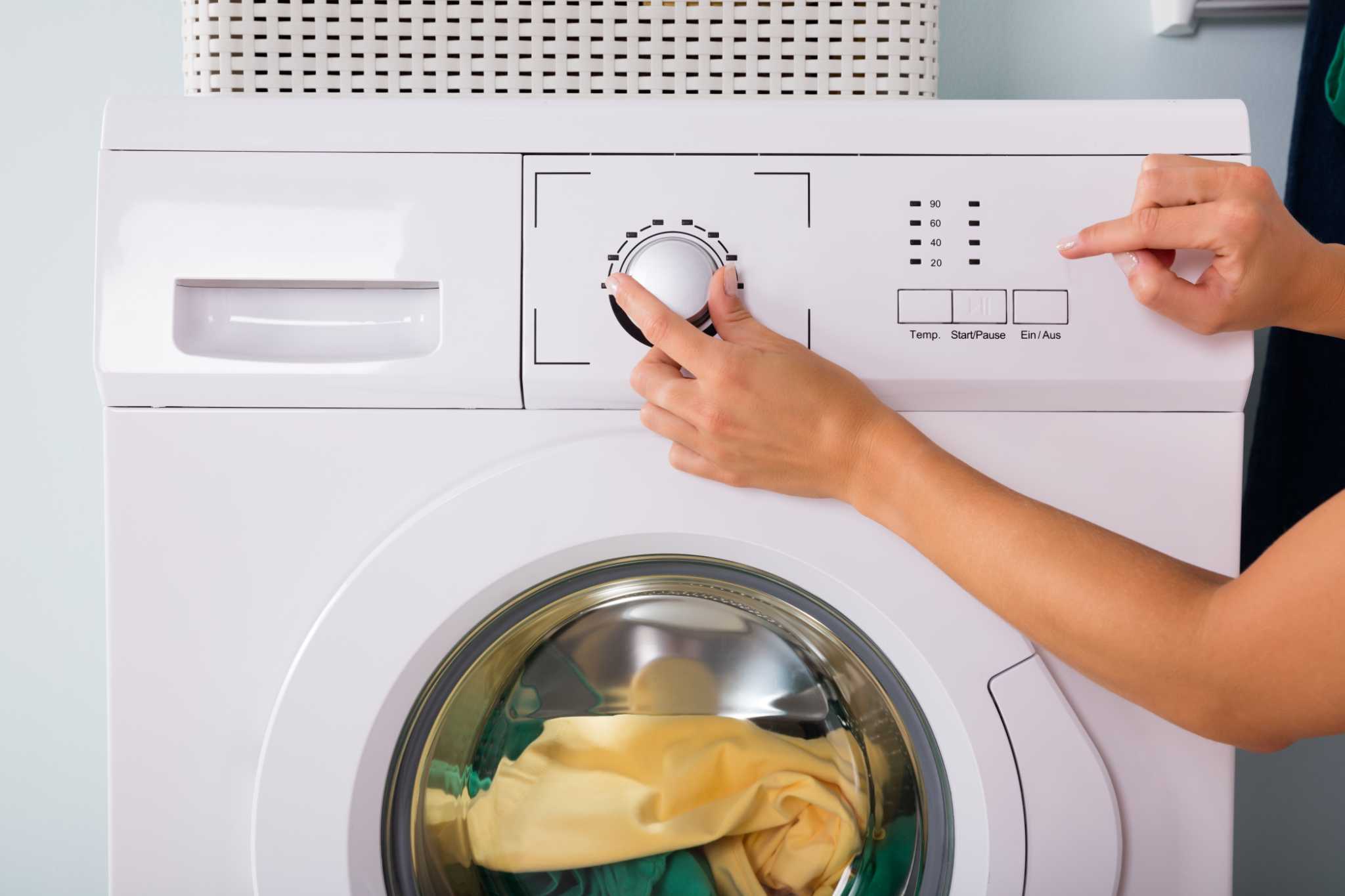
The first step is to turn off the washing machine using the power button. Then, unplug it from the electrical outlet. This cuts power to the control board and drum motor.
Wait at least 5 minutes before plugging it back in. This allows the machine’s timer knob and software to reset. After plugging it in, press the power button again and select a wash cycle to restart the washer machine.
This power cycle often clears error codes and fixes glitches in the washer firmware. It works for both front load and top load washers.
Make sure the door latch is fully locked before restarting. A door lock issue washer might prevent the machine from starting.
| Step | Action | Why It Helps |
|---|---|---|
| 1 | Turn off and unplug washer | Resets control board and motor |
| 2 | Wait 5 minutes | Clears timer and software errors |
| 3 | Plug in and power on | Restarts washer cycle fresh |
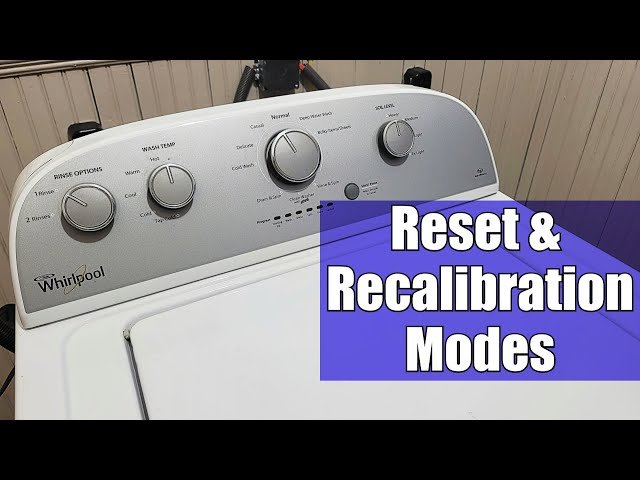
Always consult the user manual for model-specific steps. Some washers have a reset button or a special combination of buttons for reset.
Troubleshooting Washer Machine Error Codes
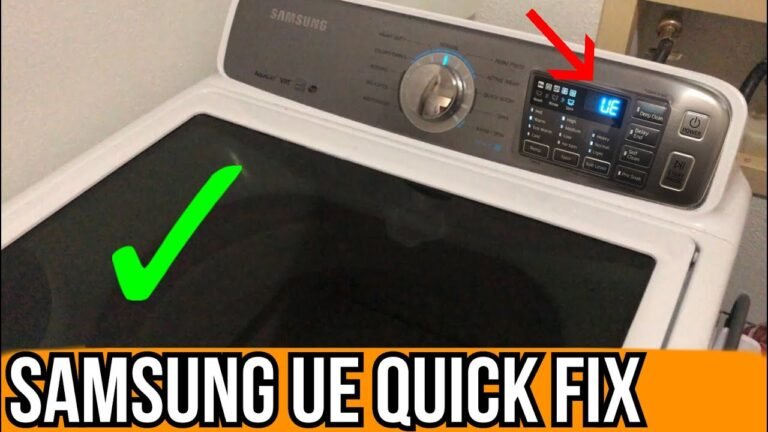
Modern washers show error codes on the display when something is wrong. Codes may relate to water inlet valve problems, drum motor faults, or load balance sensor issues.
Look up the code in your washer’s user manual to find the cause. Sometimes, restarting the washer clears temporary errors. If errors persist, check parts like the pressure switch or drain pump.
Washer control panel errors can be due to software glitches. Performing a washer software update can help in 2026 models that support it.
For door lock issues, ensure the door latch is clean and not damaged. A faulty door latch stops the washer from starting.
Always unplug the washer before inspecting electrical parts for safety.
Regular maintenance reduces the chance of errors. You can learn more about how to clean washing machine with bicarb and vinegar, which helps maintain a healthy washer.
Restarting Front Load vs Top Load Washers
Front load washers often have a reset button on the control panel or a specific reset sequence using the cycle selector. Their door latch system is more complex and can cause restart issues if not locked properly.
Top load washer reset is usually simpler. Turning off the power and unplugging often resets the timer knob and electrical system. Some models also have a reset button near the control panel.
Both types benefit from a washing machine electrical reset after power outages. This process protects the drum motor and other electronics.
| Feature | Front Load Washer | Top Load Washer |
|---|---|---|
| Reset Method | Reset button or cycle selector | Power off and unplug, reset button |
| Door Latch | Complex, sensor-based | Simple latch mechanism |
| Common Issues | Door lock and firmware errors | Timer and motor reset needed |
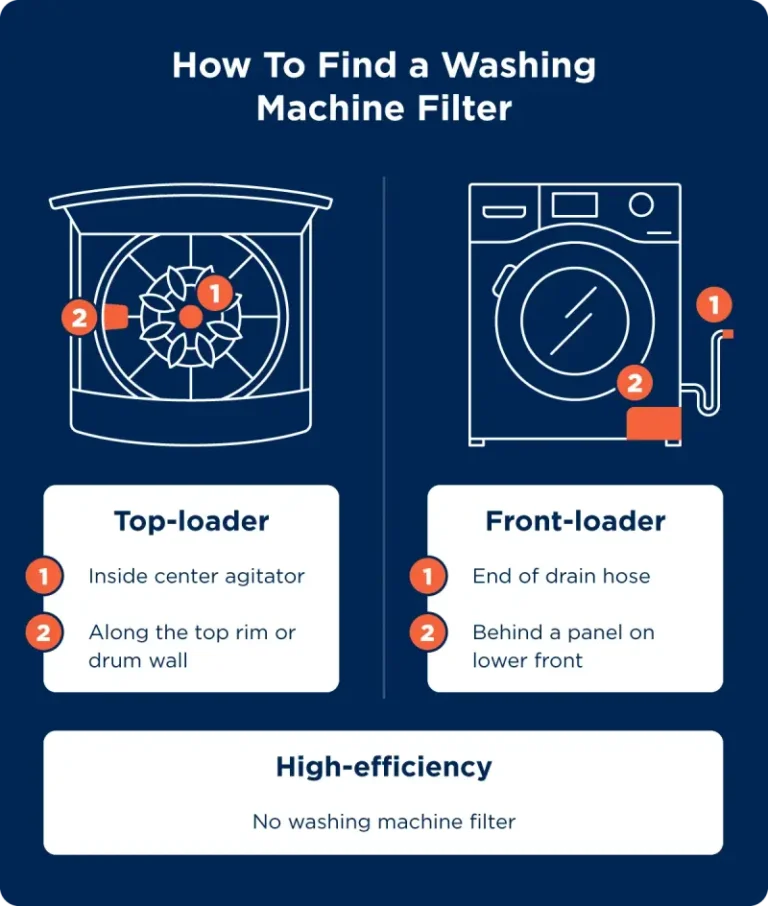
Handling each type correctly extends washer life and ensures safe restart. For more on cleaning and maintenance, check advice on how to clean ge washing machine top loader with agitator.
Washer Machine Safety Tips
Always unplug the washer before attempting any reset or repair. This protects you from electrical shock and damage to the control board.
Do not open the door latch during a wash cycle. Modern washers have a child lock feature to prevent accidents. To restart after a pause, disable child lock first.
When restarting after a power outage, wait a few minutes before turning the machine back on. This prevents overload on the drum motor.

Check for water leaks around the water inlet valve and drain pump. Leaks can cause error codes and damage electrical parts.
Use the reset procedure gently. Avoid forcing buttons or knobs, which could break the cycle selector or reset button.
Following these tips ensures a safe and smooth restart process.
Maintenance Tips for Smooth Washer Restart
Regular washer maintenance helps avoid the need for frequent resets. Clean the detergent dispenser to prevent clogs and residue buildup. This keeps the washer control panel responsive.
Inspect the washer suspension and load balance sensor. An unbalanced load can cause the spin cycle to stop, requiring a restart of the washing machine spin cycle.
Keep the door gasket and rubber seals clean to avoid mold and door lock issues. This also improves the washer’s lifespan.
Check the circuit breaker and electrical outlet if the washer won’t start after reset. Sometimes, the issue is in the home’s electrical supply.
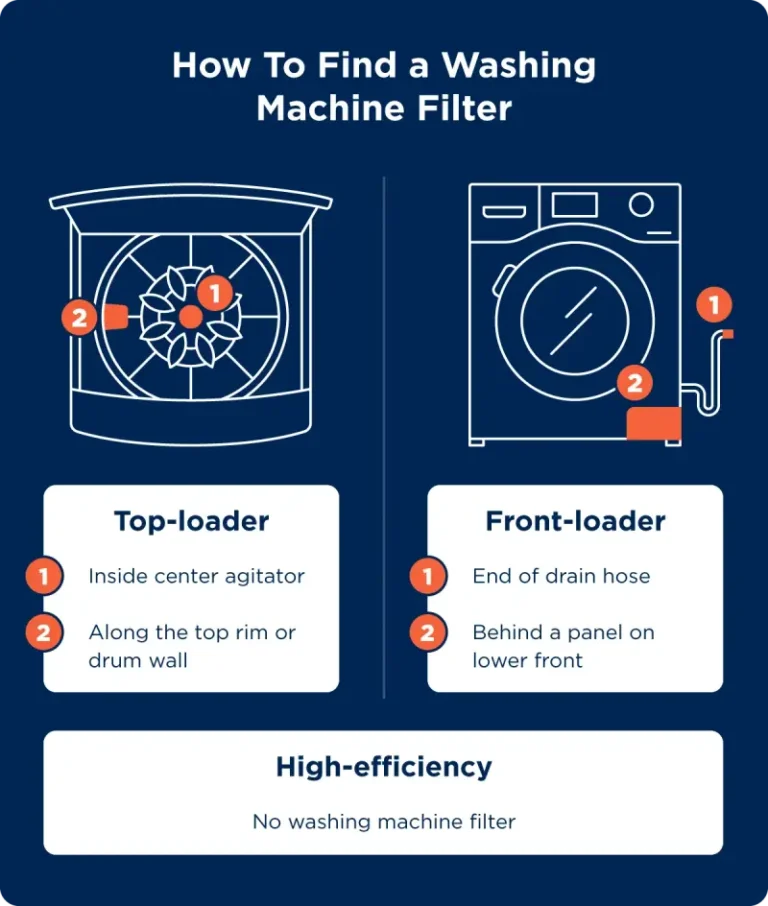
Learning how to clean the filter on your specific washer model is useful. For example, see guides on how to clean filter on samsung washing machine.

| Maintenance Task | Frequency | Benefit |
|---|---|---|
| Clean detergent dispenser | Monthly | Prevents clogging and error codes |
| Inspect load balance sensor | Every 3 months | Avoids spin cycle failures |
| Clean door gasket | Monthly | Prevents mold and door lock issues |
These simple steps reduce errors and the need for washing machine timer reset or motor reset.
Step-by-Step Washer Restart Guide
Follow these steps to restart your washer machine:
- Press the power button to turn off the washer.
- Unplug the washer from the electrical outlet.
- Wait 5 to 10 minutes to let the machine reset fully.
- Check the door latch to ensure it is closed and locked.
- Plug the washer back into the outlet.
- Press the power button to turn it on.
- Select the desired wash cycle using the cycle selector.
- Press start to begin the wash.
If the washer does not start, check for error codes on the display. Refer to your user manual to understand and fix the issue.
If needed, perform a washing machine power cycle again or consult a professional technician for complex problems.
Restarting after a pause is simple: just press start again once the issue clears.
By following this guide, you can handle most washer restart tasks confidently.
Also, you might want to explore how to machine wash a down comforter properly to avoid washer strain, available here.
Conclusion
Restarting your washer machine in 2026 is straightforward with the right steps. Whether you have a front load or top load washer, a proper reset procedure fixes many common errors and restarts the cycle safely.
Always use the power button and unplugging method first. Troubleshoot error codes carefully and maintain your washer regularly to avoid issues. Safety tips like checking the door latch and child lock help prevent accidents.
Remember to follow your model’s user manual and use trusted resources for advanced problems. Proper care extends your washer’s life and keeps laundry days smooth and easy.
For more detailed cleaning information, consider checking washing machine cleaning tips to keep your machine fresh and error-free.
Frequently Asked Questions
Why won’t my washer start even after resetting?
If your washer won’t start after a reset, check the door latch, power supply, and error codes. Sometimes, the door lock issue or electrical faults can stop the machine from starting.
How do I reset a front load washer?
To reset a front load washer, turn off the power, unplug the machine, wait a few minutes, then plug it back in and turn it on. Use the control panel reset or cycle selector if available.
Can I restart a washer after a power outage?
Yes, after a power outage, perform a washing machine power cycle by unplugging the washer, waiting 5 minutes, and plugging it back in. This resets the control board and clears error codes.
What does an error code on a washer mean?
Washer error codes display issues like door latch faults, water inlet valve problems, or motor errors. Consult the user manual or error code display guide to troubleshoot.
How often should I perform washer maintenance?
Regular washing machine maintenance, like cleaning the detergent dispenser and drum, should be done monthly. This helps avoid errors and keeps the washer running smoothly.

Michael Peterson is a home appliance writer focused on practical washing machine care, maintenance, and troubleshooting. He shares simple, reliable tips to help readers keep their washing machines running efficiently, avoid common problems, and extend appliance life.