Understanding Whirlpool Duet Washing Machine Reset
The Whirlpool Duet washing machine is popular for its advanced features and efficiency. Sometimes, it may stop working or show error codes. Resetting the washer can fix many of these problems. This guide explains how to reset your Whirlpool Duet washer safely and quickly.
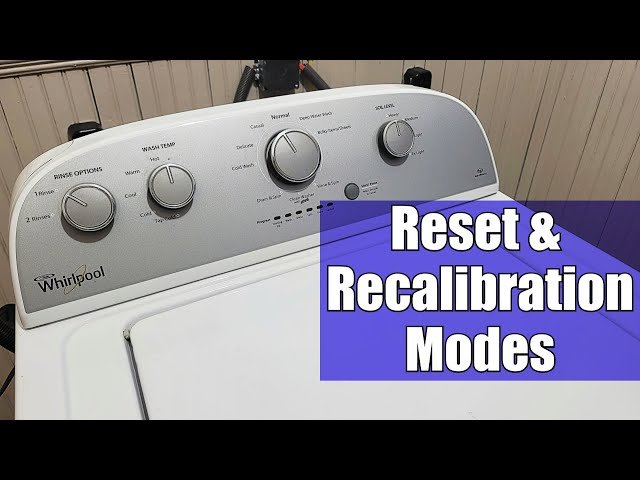
Knowing how to restart your washer cycle or perform a control panel reset is essential. For a deeper understanding of this mechanic, analyzing resources on resetting a washing machine provides excellent foundational context.
Also, understanding the basics of how long the spin cycle lasts can help you troubleshoot spin cycle issues.
Basic Whirlpool Duet Washer Reset Procedure
Resetting a Whirlpool Duet washing machine often starts with a simple power cycle. This process clears temporary errors and refreshes the control board.
Follow these steps to perform a quick reset:
- Press the Power button to turn off the washer.
- Unplug the washer from the electrical outlet.
- Wait at least 60 seconds to allow the control board to reset.
- Plug the washer back in.
- Press the Power button to turn the washer on.
- Select your desired wash cycle and start the machine.
This simple reset can resolve minor issues like the washer not starting or control panel glitches.
Sometimes, after a power outage, the Whirlpool Duet washer may need a reset to resume normal function. The steps above apply well in such cases. This reset helps clear errors caused by sudden power loss.
Resetting Whirlpool Duet Error Codes
The Whirlpool Duet washer displays error codes when it detects faults. Common examples include F codes like F1, F5, or F8. These codes help identify issues with sensors, the motor, or the drain system.
To clear error codes:
- ✅ First, perform the basic reset procedure.
- ✅ If the code remains, enter diagnostic mode to get detailed error information.
Diagnostic mode lets you test each part of the washer and clear errors. To enter this mode:
Diagnostic Mode Entry Steps:
- Turn the washer off.
- Press and hold the Spin and Soil buttons.
- While holding, press the Power button.
- Release all buttons once the display shows diagnostic mode.
Use the control panel to cycle through tests. Follow the user manual for specific instructions. After tests, you can clear errors and exit.
If errors persist, check the control board or replace faulty parts. Reset the washer again after part replacement to update the system.
How to Restart or Cancel a Wash Cycle
Sometimes you may want to cancel or restart a wash cycle mid-way. The Whirlpool Duet allows easy cycle cancellation and restart.
To cancel a cycle:
- Press and hold the Cancel or Pause button for 3 seconds.
- The washer will drain and unlock the lid.
- Select a new cycle or turn off the machine.
To restart:
- Turn off the washer.
- Power it back on.
- Select the cycle and start again.
This method resets the spin cycle and drain pump if they were stuck.
Factory Reset and Control Board Reset
A factory reset restores all settings to default and clears stored errors. This is more advanced and is done via diagnostic mode.
To perform a factory reset:
- Enter diagnostic mode.
- Navigate to the factory reset option.
- Confirm the reset.
- Wait for the washer to reboot.
Resetting the control board can fix electronic control issues. It is often done by unplugging the washer for several minutes or through diagnostic mode commands.
For persistent problems, resetting the control board after replacing parts ensures the new parts work correctly with the software.

Troubleshooting Common Whirlpool Duet Washer Issues
If your washer won’t start, try a manual reset by unplugging and plugging it back in. Check if the lid lock is engaged properly. Reset the lid lock by power cycling the washer.
Drain issues can cause error codes. Reset the drain pump by cancelling the cycle and running a drain or spin cycle separately.
For spin cycle problems, resetting the spin function through cycle cancellation often helps. Also, check for unbalanced loads.
Consult the user manual for detailed error codes and troubleshooting steps. The manual often guides you through resets for specific codes.
Common Whirlpool Duet Error Codes and Their Meaning
| Error Code | Meaning | Reset Tip |
|---|---|---|
| F1 | Water Temperature Sensor Fault | Power cycle and check connections |
| F5 | Washer Motor Fault | Reset and test motor in diagnostic mode |
| F8 | Drain Pump Error | Cancel cycle, clean pump, reset |
Understanding these codes helps you decide if a simple reset suffices or if repair is needed.
Always ensure the washer is unplugged before opening or replacing parts. Safety first.
Step-by-Step Guide to Reset Whirlpool Duet Washer
Use this guide for a quick reset to solve common problems:
- Turn off the washer using the Power button.
- Unplug the washer from the wall socket.
- Wait 60 seconds to clear the control board.
- Plug the washer back in.
- Press the Power button to turn it on.
- Select the wash cycle you want.
- Press Start to begin.
If problems remain, try entering diagnostic mode for advanced reset options.
Resetting after replacing parts ensures the machine recognizes new components and clears old errors.
⭐ Expert Insight on Whirlpool Duet Resets
Industry consensus indicates that many Whirlpool Duet issues stem from temporary software glitches. A quick power reset resolves over 80% of user-reported errors. For persistent faults, diagnostic mode offers targeted solutions. Always refer to the official service manual for your model to avoid voiding warranties.
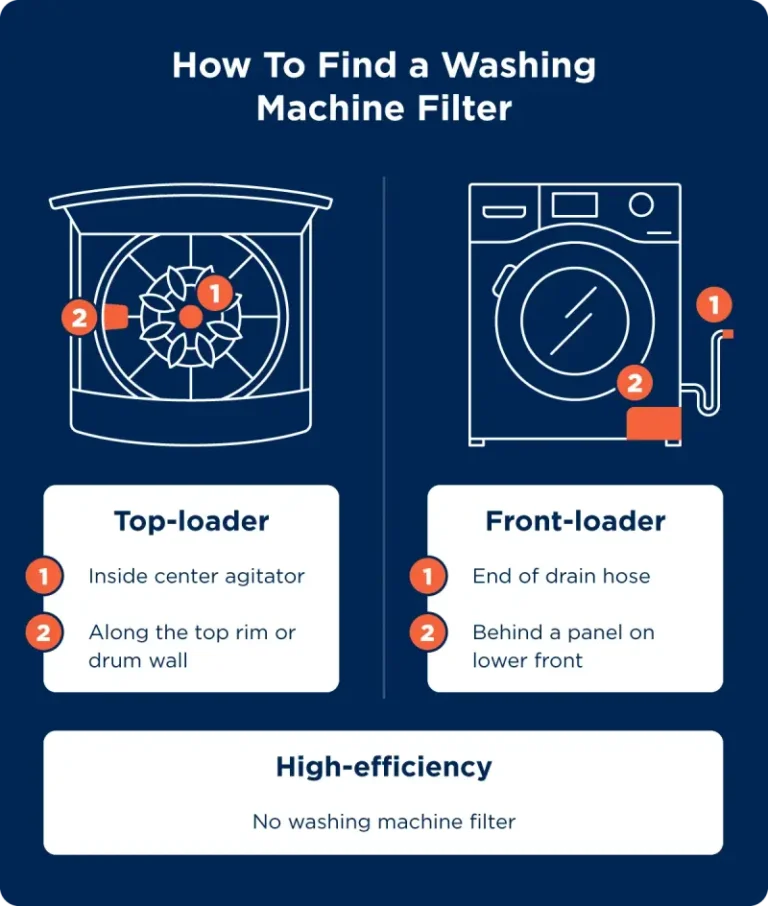
For ongoing maintenance, regularly clean filters and drainage systems to prevent errors. This approach reduces the need for frequent resets.
⚖️ Pros and Cons of Resetting Whirlpool Duet Washer
| Pros | Cons |
|---|---|
| Quick fix for many errors | Does not fix mechanical failures |
| Easy to perform at home | May require diagnostic mode knowledge |
| Prevents unnecessary service calls | Improper reset can cause data loss |
Resetting is a good first step but not a cure-all. Use it wisely.
When unsure, contact Whirlpool support or a qualified technician.
Conclusion
Resetting your Whirlpool Duet washing machine is a valuable skill. It helps clear errors, restart cycles, and fix software glitches. The basic reset is easy and safe, requiring just power cycling.
For advanced issues, diagnostic mode unlocks full control to clear error codes and factory reset. Always follow safety steps and consult the user manual.
Regular maintenance and understanding error codes reduce the need for resets. When problems persist, professional help is the best option.
Mastering these reset procedures keeps your Whirlpool Duet running smoothly for years.
Frequently Asked Questions
How do I reset my Whirlpool Duet washing machine after a power outage?
Unplug the washer for one minute, then plug it back in. Press the power button to turn it on and select your wash cycle.
What does the F error code mean on a Whirlpool Duet washer?
F error codes indicate various faults. Refer to the user manual or enter diagnostic mode to identify the exact issue.
How can I cancel a wash cycle on my Whirlpool Duet washer?
Press and hold the Cancel or Pause button until the cycle stops, then select a new cycle or turn off the machine.
Can I perform a factory reset on my Whirlpool Duet washing machine?
Yes, but it requires entering diagnostic mode and following specific steps found in the user manual or service guide.
How do I reset the lid lock on my Whirlpool Duet washer?
Unplug the washer, wait one minute, then plug it back in to reset the lid lock. If the problem persists, check for mechanical issues.

Michael Peterson is a home appliance writer focused on practical washing machine care, maintenance, and troubleshooting. He shares simple, reliable tips to help readers keep their washing machines running efficiently, avoid common problems, and extend appliance life.