Introduction to Whirlpool Washer Reset
Whirlpool washing machines are known for their reliability. Yet, like all appliances, they can face issues. Sometimes, a simple reset is all it takes to fix problems. Whether your washer shows an error or won’t start, resetting can help. This guide covers the reset procedure and troubleshooting tips for Whirlpool washers.
Many Whirlpool models have a control panel reset or a diagnostic mode. These features let users clear error codes or cancel cycles. If you want to learn more about washing machine care, check our guide on lg top load washing machine for useful maintenance tips.
Understanding how to reset your Whirlpool washer can save you time and money before calling customer support.
Why Reset Your Whirlpool Washing Machine?
Resetting your Whirlpool washer can solve common issues. It clears error codes and resets the electronic control board. This process often fixes problems like the washer not starting or the lid lock malfunctioning. A reset can also cancel a cycle that won’t stop.
Power cycling is a common reset method. It cuts power to the machine briefly, allowing the system to reboot. Sometimes, a manual reset using buttons on the control panel or a reset button is needed. Knowing the right reset type for your model helps with troubleshooting.
For more on troubleshooting Whirlpool washers, refer to the official Whirlpool guide on how to reset a washing machine.
Common Whirlpool Washer Reset Methods
There are several reset methods depending on your washer model. These include power cycling, control panel resets, and diagnostic mode. Follow these steps for each method to ensure a proper reset.
Power Cycle Reset: Unplug the washer from the power outlet. Wait for about one minute. Plug it back in and press the power button to turn it on. This often clears minor errors.
Control Panel Reset: Some models have a reset button or a sequence on the control panel. For example, press and hold “Start/Pause” for 3 to 5 seconds. This resets the timer and cycle selection.
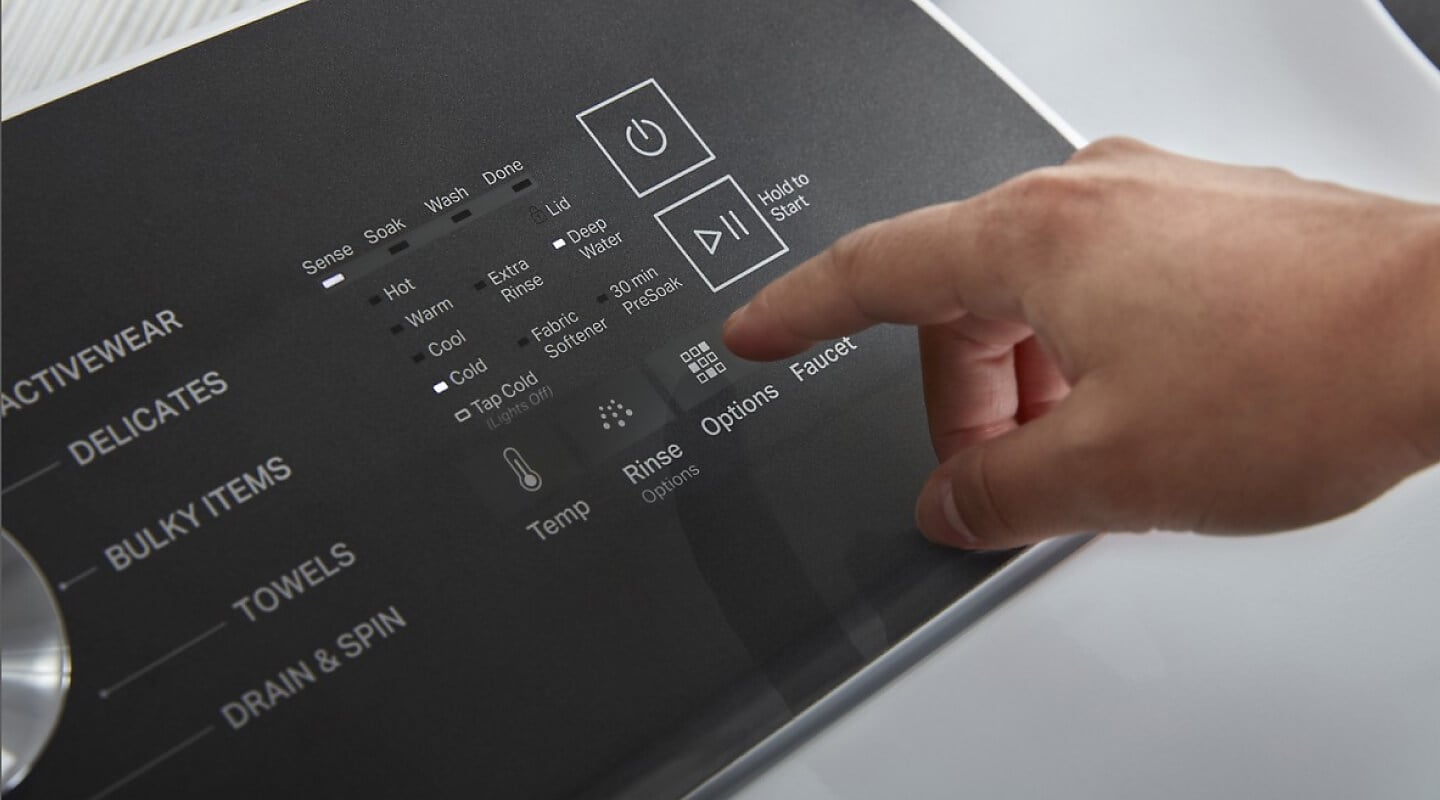
Use the table below to match your reset method to your washer type.
| Washer Type | Reset Method | Key Steps |
|---|---|---|
| Top Load | Power Cycle or Control Panel Reset | Unplug > Wait 1 min > Plug in > Press Start/Pause |
| Front Load | Diagnostic Mode or Manual Reset | Enter Diagnostic Mode > Clear Errors > Exit |
| Electronic Control Board | Power Cycle or Reset Button | Unplug > Press Reset Button if available > Plug in |
Remember to consult your user manual for model-specific reset codes and button sequences. Not all Whirlpool washers use the same reset procedure.
Using Whirlpool Washer Diagnostic Mode
Diagnostic mode helps identify issues by showing error codes on the washer display. To enter, press buttons in a specific order. For many Whirlpool washers, hold the “Spin” and “Soil Level” buttons simultaneously for a few seconds.
Once in diagnostic mode, the washer will run tests and display error codes. Record these codes for troubleshooting. You can then reset the washer by exiting diagnostic mode or performing a power cycle.
Knowing the meaning of error codes is key. For example, an “F21” code often means a drain pump problem. The table below lists common error codes and their meanings.
| Error Code | Issue | Suggested Reset |
|---|---|---|
| F21 | Drain Pump Fault | Power Cycle & Check Drain |
| F22 | Water Fill Problem | Reset Timer & Inspect Valve |
| F31 | Motor Problem | Diagnostic Reset & Service |
| UL | Washer Lid Unlock | Lid Lock Reset |
For a deeper understanding of this mechanic, analyzing resources on Whirlpool washer reset & recalibration provides excellent foundational context.
How To Cancel a Whirlpool Washer Cycle
Sometimes you need to stop a cycle mid-way. To cancel a Whirlpool washer cycle, press the “Cancel” or “Pause/Cancel” button. Hold it for a few seconds until the washer stops.
If that does not work, try resetting the washer. Unplugging the machine or using the reset button can clear the cycle. For some models, entering diagnostic mode allows cycle cancellation.

Keep in mind that canceling a cycle may require draining water first. Do this by running a drain/spin cycle or manually draining the washer.
Resetting the Whirlpool Washer Lid Lock
The lid lock prevents the washer from operating if the lid is open. Sometimes, the lock can get stuck. To reset it, unplug the washer for about one minute. Plug it back and close the lid firmly.
If the lid lock error persists, check for debris around the lock mechanism. Cleaning the lock area can help. In some cases, replacing the lid lock assembly is necessary.
Proper lid lock reset ensures safe washer operation and prevents error codes related to the lid.
Whirlpool Washer Maintenance Tips
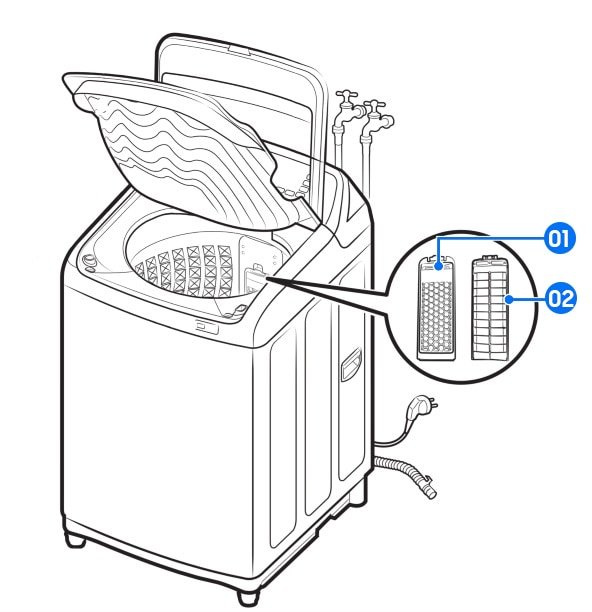
Regular maintenance helps prevent errors and extends your washer’s life. Clean the detergent dispenser and filter often. Inspect the drain hose and clean it to avoid clogs.
Run a monthly cleaning cycle with vinegar or a washing machine cleaner. Keep the washer door or lid open after use to air out moisture. This stops mold and mildew buildup.

Check for software updates regularly. Some Whirlpool washers support wireless updates that improve performance and fix bugs.
| Maintenance Task | Frequency | Benefit |
|---|---|---|
| Clean Detergent Dispenser | Monthly | Prevents residue buildup |
| Inspect Drain Hose | Every 3 Months | Prevents clogs and leaks |
| Run Cleaning Cycle | Monthly | Stops mold and odors |
| Update Software | As Available | Improves performance |
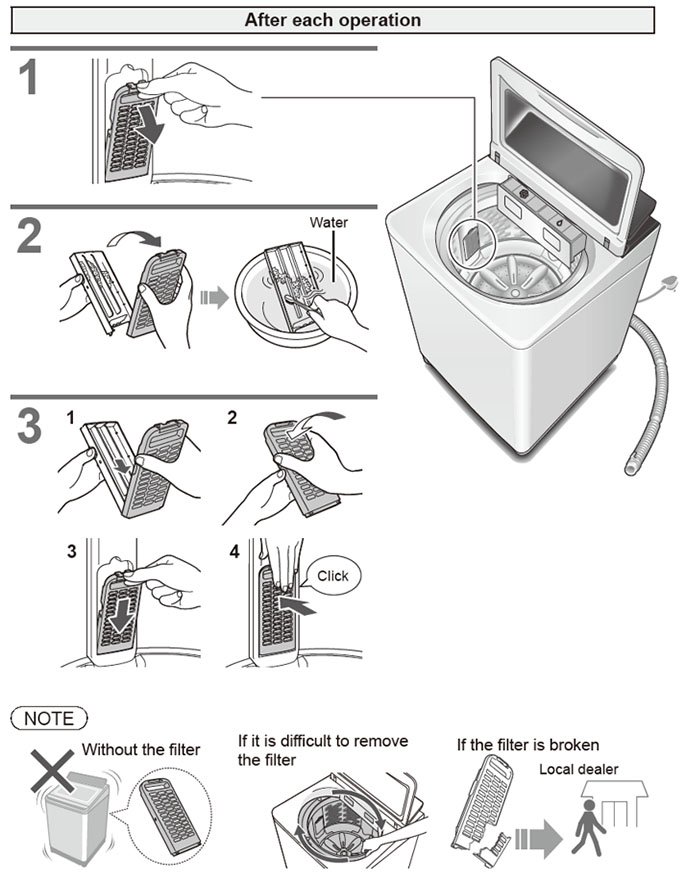
To learn how to clean your Whirlpool washing machine filter, see our detailed guide on how to clean whirlpool washing machine filter top loader.
Conclusion
Resetting your Whirlpool washing machine is often the first step in fixing problems. Whether using a power cycle, control panel reset, or diagnostic mode, knowing the right method helps you troubleshoot effectively. Canceling cycles and resetting the lid lock are also key skills for smooth washer operation.
Regular maintenance and software updates keep your washer running well. If issues persist, contact Whirlpool customer support or a professional technician.
Mastering these reset and troubleshooting steps saves time and prevents costly repairs. Your Whirlpool washer will thank you with better performance and longer life.
For further details on Whirlpool washers and reset procedures, refer to expert resources like Whirlpool top load washing machine reset.
Frequently Asked Questions
What is the Whirlpool washer reset code?
The reset code varies by model but often involves pressing specific buttons on the control panel. Consult your user manual for the exact code.
How do I enter diagnostic mode on my Whirlpool washer?
Press a sequence of buttons on the control panel, usually involving ‘Start’ and ‘Spin’ buttons. This mode helps identify error codes.
My Whirlpool washer won’t start. How can resetting help?
Resetting the washer can clear error codes or glitches causing startup failure. Try a power cycle or manual reset to fix this.
Can I cancel a Whirlpool washer cycle mid-way?
Yes, you can cancel by pressing and holding the ‘Cancel’ or ‘Pause/Cancel’ button. Some models require a reset procedure to clear the cycle.
Does Whirlpool provide software updates for washers?
Yes, select Whirlpool washers support software updates to improve performance and fix bugs. Check your model’s manual for update instructions.

Michael Peterson is a home appliance writer focused on practical washing machine care, maintenance, and troubleshooting. He shares simple, reliable tips to help readers keep their washing machines running efficiently, avoid common problems, and extend appliance life.