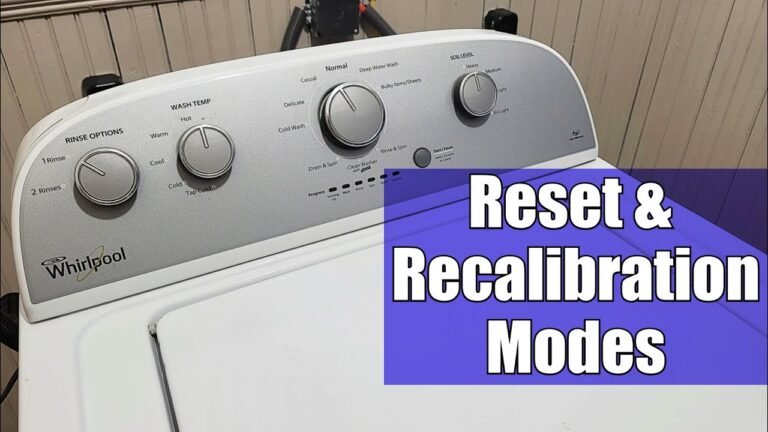
Understanding Whirlpool Washer Resets
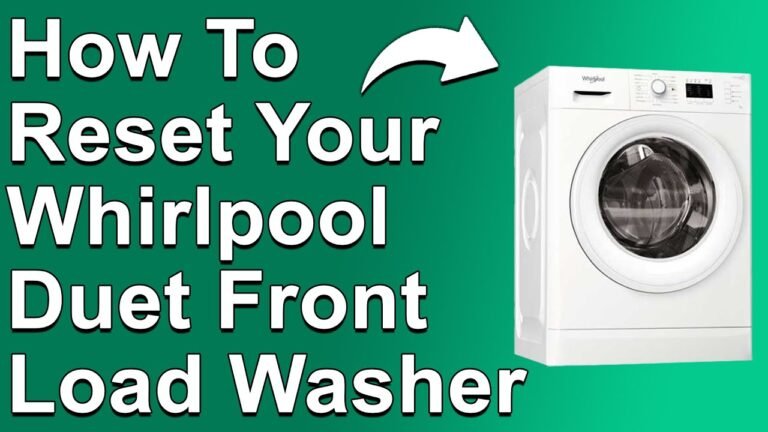
Resetting your Whirlpool washing machine can solve many common problems. A reset clears error codes and refreshes the control panel’s settings. If your washer pauses, won’t start, or shows error messages, a reset is often the first fix. Knowing the right reset procedure helps you avoid costly repairs.
Many Whirlpool washers have a reset button or a way to enter diagnostic mode. For deep issues, a factory reset or control board reset might be necessary. For a deeper understanding of this mechanic, analyzing resources on resetting Whirlpool washers provides excellent foundational context.
Also, regular maintenance keeps your washer working well. For example, learning how to clean laundry machine helps prevent many errors.
Basic Whirlpool Washer Reset Steps
The simplest way to reset most Whirlpool washers is a power cycle. This clears any stuck software or control errors. Follow these steps for a quick reset:
- ✅ Unplug the washer from the power outlet.
- ✅ Wait for 1 to 5 minutes to let the machine fully power down.
- ✅ Plug the washer back in and turn it on.
- ✅ Press the start/pause button to begin a new cycle.
This power reset often fixes issues like the washer not starting or pausing mid-cycle. If problems continue, a control panel reset or diagnostic mode may be needed.
Remember, unplugging the washer is the safest way to do a hard reset. Avoid pressing random buttons as it may not clear all errors.
Control Panel Reset and Cycle Reset
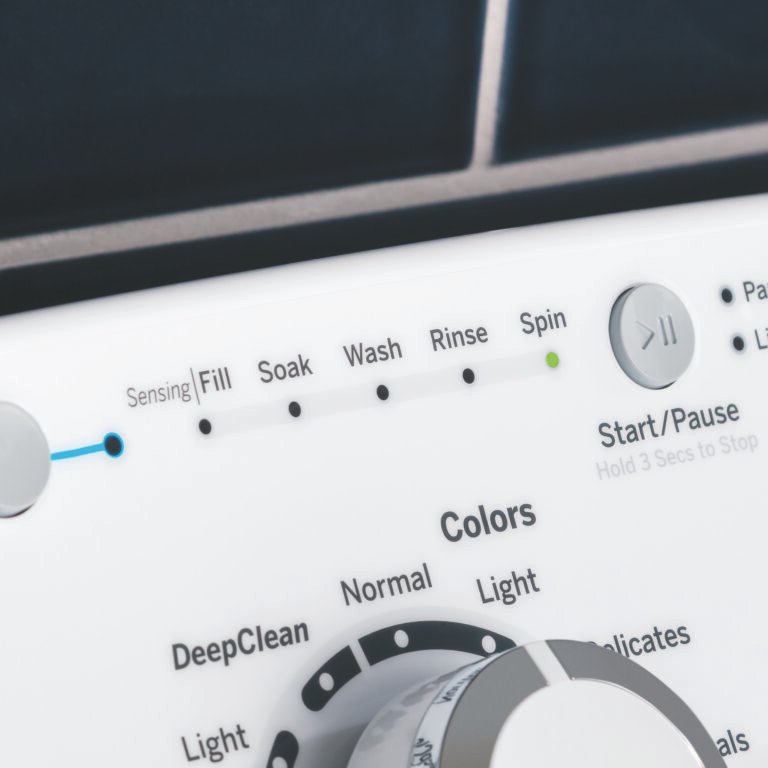
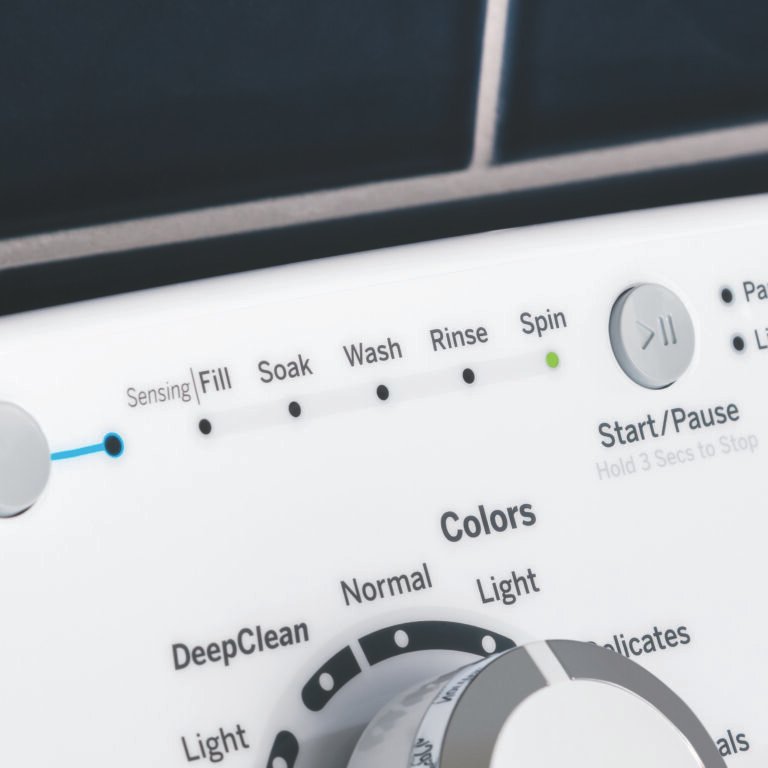
Some Whirlpool washers have a reset button or allow cycle reset from the control panel. This is useful if your washer pauses or shows error codes during a cycle. To do this:

- Press and hold the start/pause button for 3 seconds.
- Turn the cycle selector knob to the “Off” position.
- Wait 30 seconds, then select your desired cycle again.
- Press start to resume washing.
If your model has a reset button, it is usually located on the control panel. Pressing it once can clear minor faults. Refer to your Whirlpool washer user manual reset section for exact details.
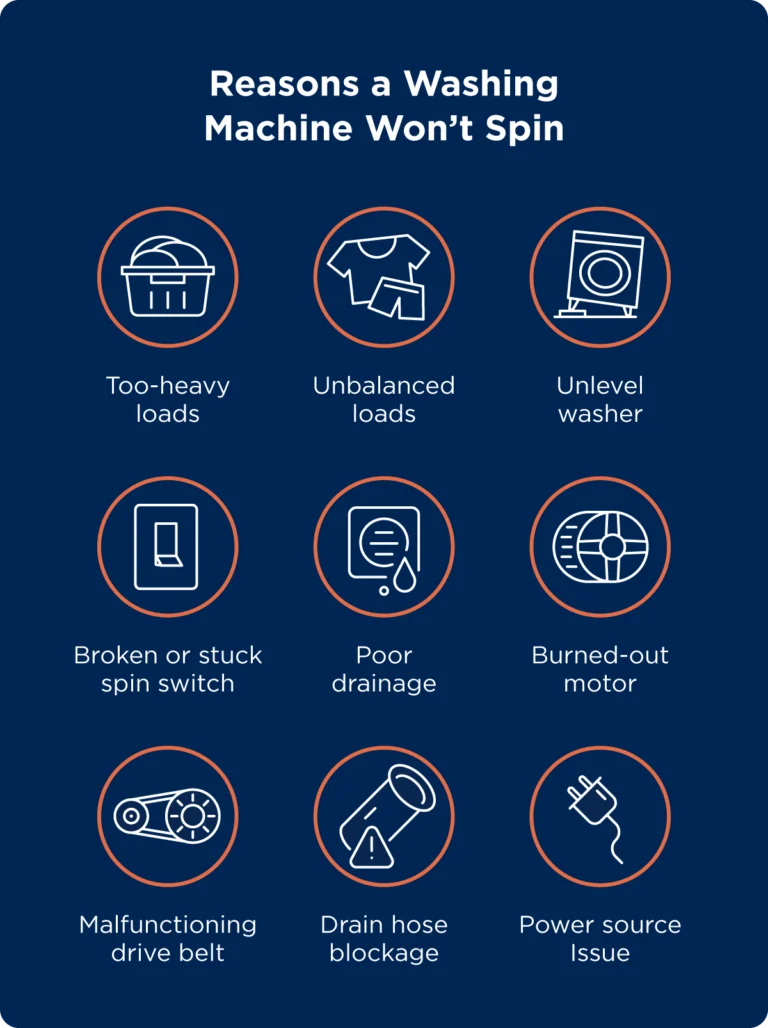
This soft reset recalibrates sensors and control settings without unplugging the machine. It often fixes spin cycle or drain problems.
Using Whirlpool Washer Diagnostic Mode
Diagnostic mode helps identify faults and run motor or sensor tests. It is useful for advanced troubleshooting. To enter diagnostic mode:
- Turn the washer off.
- Press and hold specific buttons such as “Spin” and “Soil” simultaneously (varies by model).
- Turn the washer on while holding the buttons.
- Release buttons when the diagnostic light or code appears.
Once in diagnostic mode, you can run tests on the motor, door lock, and control board. You can also reset error codes here. Consult your specific Whirlpool washer user manual for exact button sequences.
Diagnostic mode is a key tool for troubleshooting Whirlpool washing machines and can save a service call.
Whirlpool Washing Machine Error Codes and Their Reset
Whirlpool washers display error codes for issues like water supply, door lock, or motor faults. Knowing these codes helps you reset the machine properly.
Below is a table of common Whirlpool washer error codes and basic reset advice:
| Error Code | Meaning | Reset Advice |
|---|---|---|
| F1 | Water temperature sensor error | Power cycle washer, check water temp sensor connection |
| F3 | Door lock error | Ensure door is closed, power reset, check door lock |
| F7 | Water valve issue | Check water supply, reset power, inspect valve |
| F9 | Drain pump problem | Clear drain hose, power reset, test drain pump |
Knowing your washer’s error code meaning helps you do the right reset. If errors persist after resets, professional repair may be needed.
For more on this topic, see how to reset Whirlpool washing machine videos.
Resetting the Whirlpool Washer Motor and Control Board
Sometimes reset issues come from the motor or control board. Resetting these parts can fix stubborn faults.
To reset the motor:
- Unplug the washer.
- Wait 5 minutes for the motor to cool and reset.
- Check the motor wiring and connections.
- Plug in and test the washer.
For the control board reset:
- Unplug the washer.
- Press and hold the start/pause button for 10 seconds.
- Release the button and wait 30 seconds.
- Plug the washer back in and start a new cycle.
This electrical reset can clear software glitches on the control board. If issues continue, the board may need replacement.

Always ensure power supply is stable before attempting resets to avoid damage.
Whirlpool Washer Maintenance Tips to Avoid Resets
Keeping your Whirlpool washer clean and maintained reduces the need for resets. Follow these tips:
- Clean the detergent dispenser regularly.
- Check and clean the filter and drain hose often.
- Leave the door open after use to prevent mold.
- Run a cleaning cycle monthly with a washer cleaner.
- Do not overload the washer.
Proper maintenance improves sensor calibration and control panel health. It also prevents common error codes.
Learn related care tips like how to machine wash stuffed animals safely with your washer.
Conclusion
Resetting your Whirlpool washing machine is a key skill for quick fixes. Start with a power reset by unplugging the washer. Use control panel reset or cycle reset for minor faults. Diagnostic mode helps find deeper issues and allows advanced resets for control board or motor.
Knowing error codes speeds up troubleshooting. Regular maintenance lowers errors and extends your washer’s life. If resets don’t fix the problem, a technician may be needed. Always consult your Whirlpool washer user manual for model-specific reset instructions.
By following these simple reset steps and care tips, you can keep your Whirlpool washer running smoothly and avoid costly repairs.
Frequently Asked Questions
What is the basic reset procedure for a Whirlpool washer?
The basic reset involves unplugging the washer for 1-5 minutes, then plugging it back in to clear errors.
How do I enter diagnostic mode on a Whirlpool washing machine?
Press specific button sequences like ‘Spin’ and ‘Soil’ buttons together. Check your user manual for exact steps.
What should I do if my Whirlpool washer won’t start after reset?
Check the door lock, power supply, and control board. If issues persist, consult a technician.
Can I do a factory reset on my Whirlpool washer?
Some models support factory reset via control panel codes or diagnostic mode. Refer to your user manual.
Where can I find Whirlpool washer error codes?
Error codes show on the control panel display. Your user manual or online guides explain each code.

Michael Peterson is a home appliance writer focused on practical washing machine care, maintenance, and troubleshooting. He shares simple, reliable tips to help readers keep their washing machines running efficiently, avoid common problems, and extend appliance life.